

Choosing a nurse call system is one of the most consequential procurement decisions a healthcare facility makes. The system you select will be used by every patient, every nurse, and every shift — every day — for years. A poor choice means frustrated staff, missed calls, and expensive retrofits. The right choice improves patient safety, reduces nurse burnout, and scales with your facility.
This guide provides a practical, step-by-step framework for evaluating nurse call systems — based on facility type, budget, clinical needs, and infrastructure constraints. No vendor bias, no technical jargon. Just a clear path to the right decision.
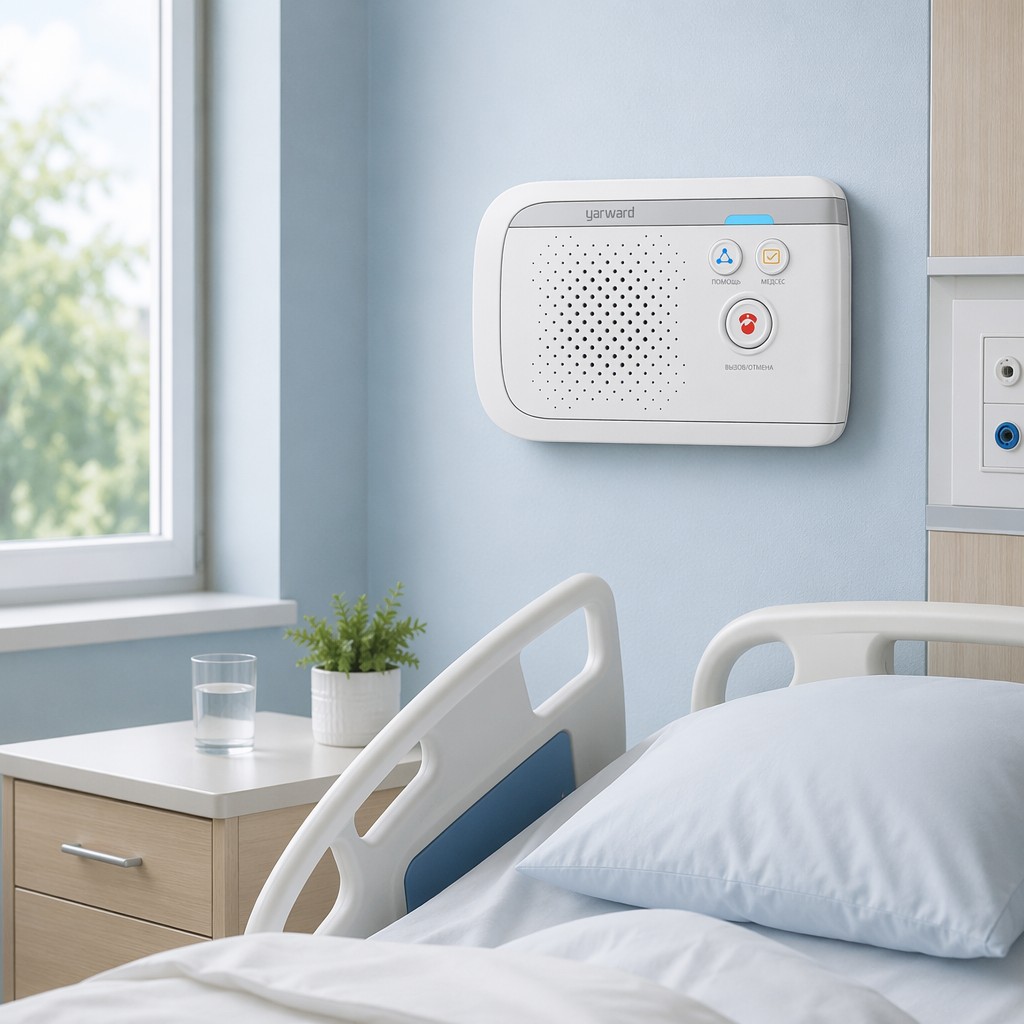
The Three Types at a Glance
Before diving into the decision framework, here is a quick reference for the three technology paths:
| Type | How It Works | Best For | Typical Install Time |
|---|---|---|---|
| Wired | Dedicated two-wire bus connecting bedside units to master station | New construction with planned cabling | 2-4 weeks |
| Wireless | RF or Wi-Fi signals between call points and receivers | Retrofits, nursing homes, temporary facilities | 1-3 days |
| IP-Based | Standard Ethernet network, each device is a network node | Large hospitals, HIS integration, smart hospital projects | 3-7 days (with network) |
Step-by-Step Decision Framework
Step 1: Define Your Facility Profile
Start with the physical reality of your facility. The building itself often eliminates options before you even look at features:
| If your facility is… | Then prioritize… | Because… |
|---|---|---|
| New construction or major renovation | IP or Wired | You can plan cabling from the start. IP gives the most capability per dollar of incremental infrastructure cost. |
| Existing hospital, operating 24/7 | Wireless | Cannot shut down wards for cable pulling. Wireless installs without disrupting patient care. |
| Heritage building (thick walls, lead-lined radiology) | Wired | Dense construction blocks RF signals. A site survey is mandatory before considering wireless. |
| Nursing home or assisted living | Wireless | Lower cost, flexible layout, wearable pendants for mobile residents. |
| Multi-building campus | IP | Leverage existing campus LAN. One communication host can serve multiple buildings over fiber. |
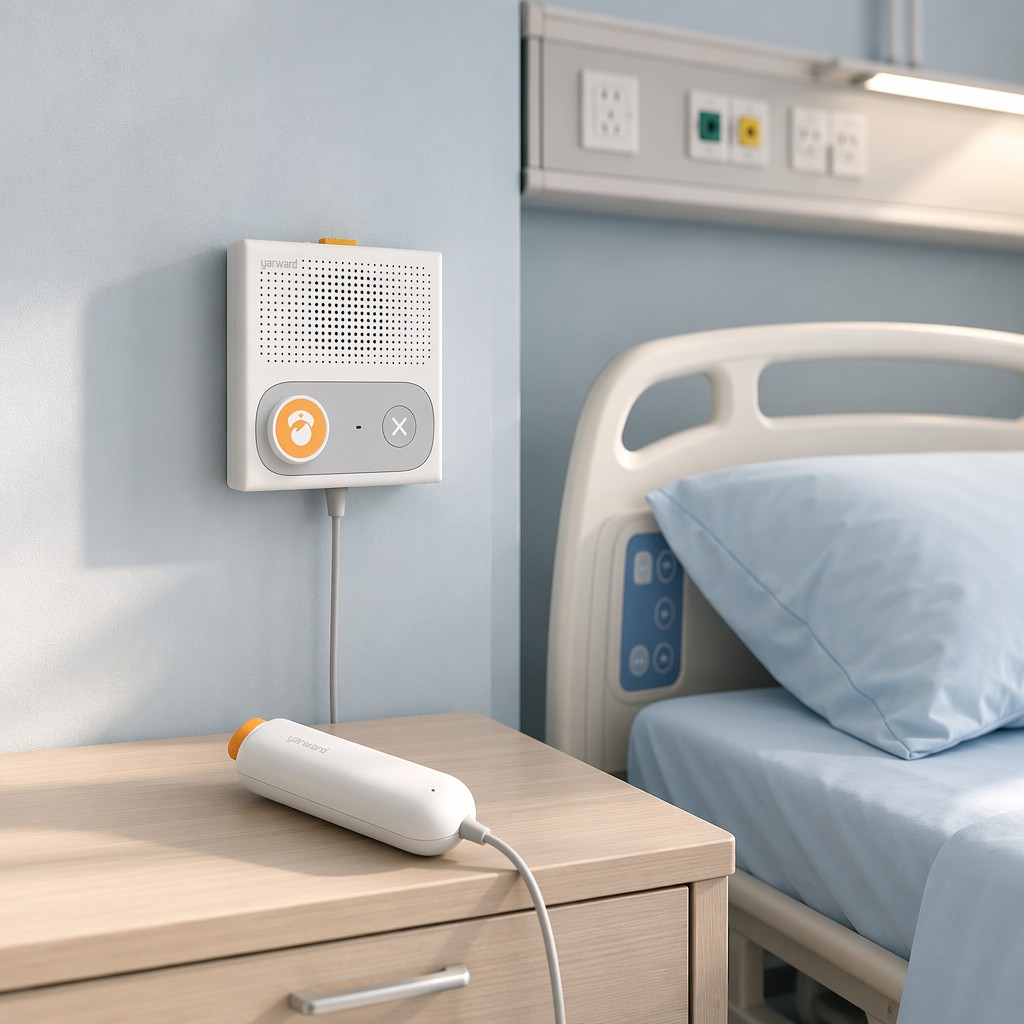
Step 2: Define Your Integration Requirements
This is the most important filter. If you need the nurse call system to talk to your hospital IT systems, IP is the only option:
- Need HIS/EMR integration? → IP. No exceptions.
- Need patient data (allergies, care plan, physician) on the bedside display? → IP.
- Need call analytics and response-time reporting? → IP natively supports this. Wired/wireless can add basic logging but not real-time analytics.
- Need nurse alerts on smartphones (not pagers)? → IP supports a mobile app. Wireless systems typically use proprietary receivers.
- Just need reliable patient-to-nurse calling? → Wired or wireless is sufficient and more cost-effective.
Step 3: Count Your Beds — Now and Later
Choose a platform that scales with your growth without a rip-and-replace:
- Under 50 beds, no growth expected: Wired or wireless — both are affordable at small scale.
- 50-200 beds, moderate growth: Wireless — add units as you expand without rewiring.
- 200+ beds, or planning a new wing in 3 years: IP — the only architecture that scales virtually without limit. Adding a new ward means connecting more IP terminals to the existing communication host.
Step 4: Map Your Staff Workflow
The system should adapt to how your nurses work — not the reverse:
- Nurses carry smartphones: Choose a system that delivers alerts to a mobile app (IP).
- Nurses work at fixed stations: A wired master station console works well.
- Nurses rotate between multiple wards: Wireless with wearable receivers ensures alerts follow the nurse, not the room.
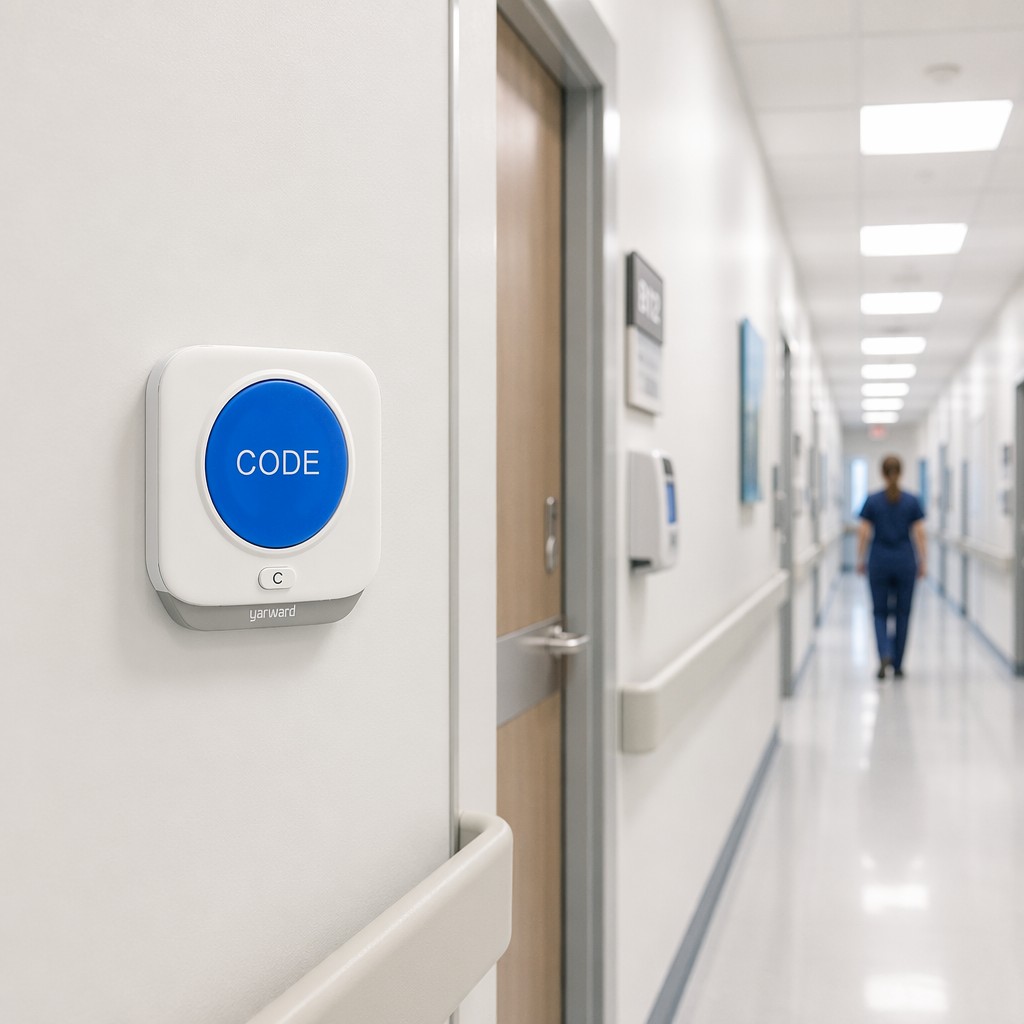
Step 5: Calculate Total Cost of Ownership
Do not compare upfront hardware cost alone. Compare 5-year total cost:
| Cost Element | Wired | Wireless | IP |
|---|---|---|---|
| Hardware (per bed) | Low | Medium | Medium-High |
| Installation labor | High (cabling) | Low | Medium (if network exists) |
| Maintenance (annual) | Low | Low-Medium (batteries) | Medium (IT staff) |
| Expansion cost (add 50 beds) | Medium | Low | Very Low |
| Integration cost (HIS) | Not possible | Not possible | Medium |
The wireless advantage: lowest 5-year TCO for facilities under 200 beds that do not need HIS integration.
The IP advantage: highest 5-year TCO, but delivers capabilities that directly impact HCAHPS scores, staff retention, and accreditation readiness — returns that justify the investment.
Common Mistakes to Avoid
- Buying on hardware price alone. A system that is $20/bed cheaper but requires a $50,000 rip-and-replace in 3 years is not cheaper.
- Skipping the site survey. For wireless, always conduct an RF site survey before purchase. Concrete walls, metal framing, and existing wireless equipment can create dead zones.
- Ignoring the nurses. The people who will use the system every shift should be in the evaluation room. A system that looks great on a spec sheet but frustrates nurses will be abandoned within months.
- Over-buying features. A 20-bed nursing home does not need full HIS integration and real-time analytics. Match the system to the actual clinical need, not the vendor’s maximum offering.
- Forgetting about training and support. Ask every vendor: “What does training look like?” and “What is your response time when something breaks at 3 AM?” The answers matter more than the feature list.
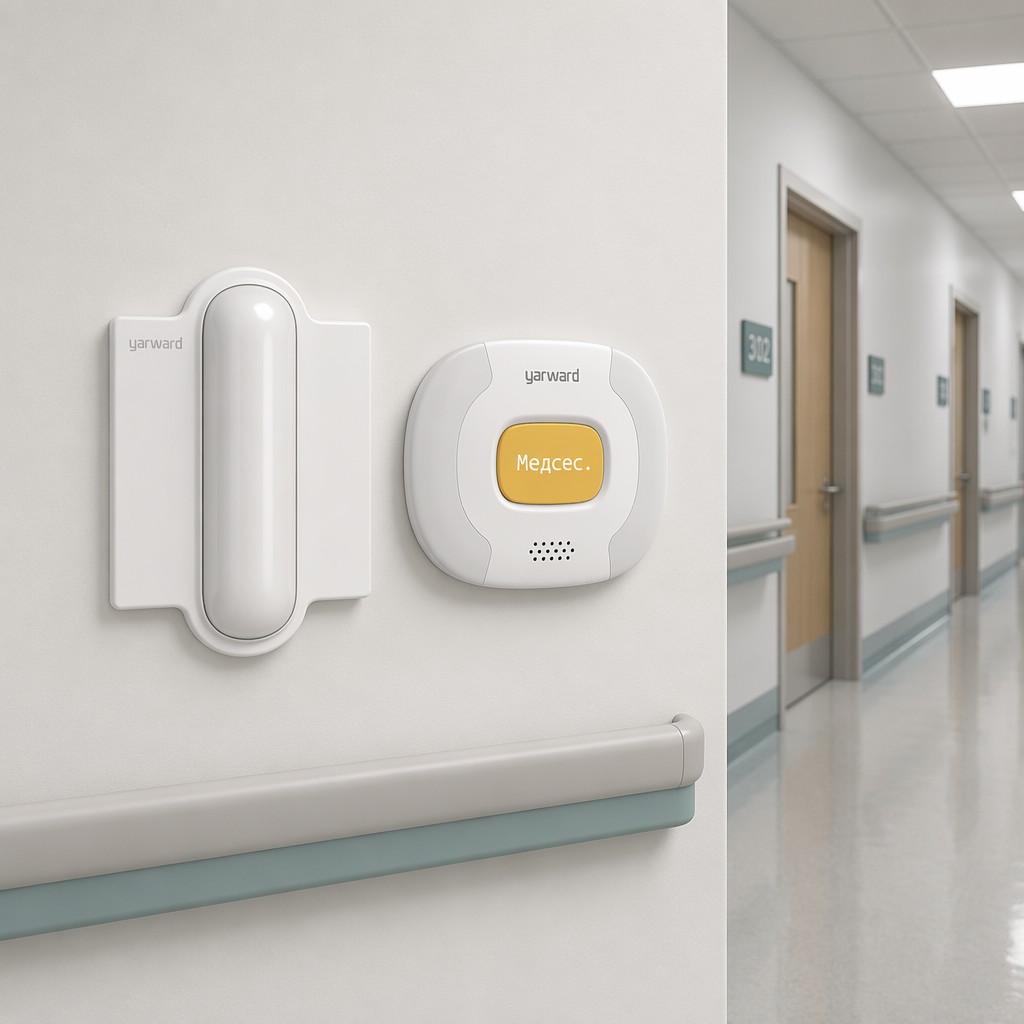
Why Choose Yarward?
Yarward offers all three technologies — wired, wireless, and IP — from a single manufacturer. This means:
- Objective recommendations. We do not need to push one technology over another because we build all three. The recommendation is based on your facility’s needs.
- Hybrid deployments. One hospital can deploy IP in the ICU for deep integration, wireless in general wards for flexibility, and wired in radiology — all managed from one Yarward communication host.
- Single point of support. One manufacturer, one support team, one warranty. No finger-pointing between vendors when something goes wrong.
Browse our full product line → or request a facility assessment and quotation.
Frequently Asked Questions
Can we mix technologies — wired in one ward, wireless in another?
Yes. Yarward supports hybrid deployments. For example, a hospital might use IP nurse call in the ICU for HIS integration and data analytics, wireless in the general medical ward for flexibility, and wired in radiology where RF signals are restricted. All are managed from a single platform.
How far in advance should we start the procurement process?
For new construction: involve the nurse call vendor during the architectural design phase — before walls go up. For retrofits: start 3-6 months before the desired go-live date to allow for site survey, customization, installation, and staff training.
What certifications should we look for?
At minimum: CE marking (Europe) or FCC (US), ISO 9001 for manufacturing quality, and ISO 13485 if the system is classified as a medical device in your jurisdiction. Yarward products carry CE and FCC certification and are manufactured in ISO 9001-certified facilities.
What if we choose wrong?
The most expensive mistake is choosing a system that cannot scale or integrate, requiring a full replacement in 3-5 years. Choose a platform that supports your facility’s 5-year growth plan, not just today’s bed count. If uncertain, IP provides the most headroom — you can start with basic nurse-patient calling and add HIS integration and analytics later without replacing hardware.
Post time: 07-18-2026